


If you are weighing Post Bridge alternatives, you have probably already noticed the trade-off: it is genuinely cheap and posts to almost every network, but it does not create anything, its analytics are in beta, and support is a small indie team. This 2026 guide compares the seven best alternatives for scheduling short-form video, with pricing verified against each vendor's own page and an honest split between tools that only schedule and the one that also makes the content.
The short answer
VidGuy is our top pick because it removes the step Post Bridge can't help with — actually producing the videos — then schedules and posts them, starting free. If you only want a cleaner pure scheduler, Buffer is the most polished budget option, Metricool wins for multi-brand analytics, and SocialBee is best for evergreen recycling.
Why creators look for Post Bridge alternatives
Post Bridge nails one job: cheap, account-based cross-posting to a long list of networks. People outgrow it for three reasons. First, it makes no content — every caption and clip is on you. Second, its analytics are basic and still in beta, so proving what works is hard. Third, it is a small indie product, so support and integrations lag the incumbents. The goal underneath is usually the same: post consistently without it eating your week.
The numbers behind consistent short-form posting
social accounts the average brand manages at once; 17% run seven or more
SocialBee, 2026
extra followers per week from posting 10+ times versus going silent
Buffer, 2026
of marketers say short-form video delivers the highest ROI of any format
HubSpot, 2025
global creator-economy market in 2026, on the way to $1T by 2033
Demandsage, 2026
of marketers now use AI tools daily, up from 37% a year earlier
Social Media Examiner, 2025
monthly cost of a freelance social manager versus about $20 to $49 for tools
ContentStudio, 2026
The pattern is consistent: brands juggle several accounts, posting frequency drives growth, and short-form video is the format with the best ROI — which is exactly why a scheduler that also makes the video changes the math. Sources: Buffer 2026, HubSpot, and Demandsage.
What is Post Bridge?
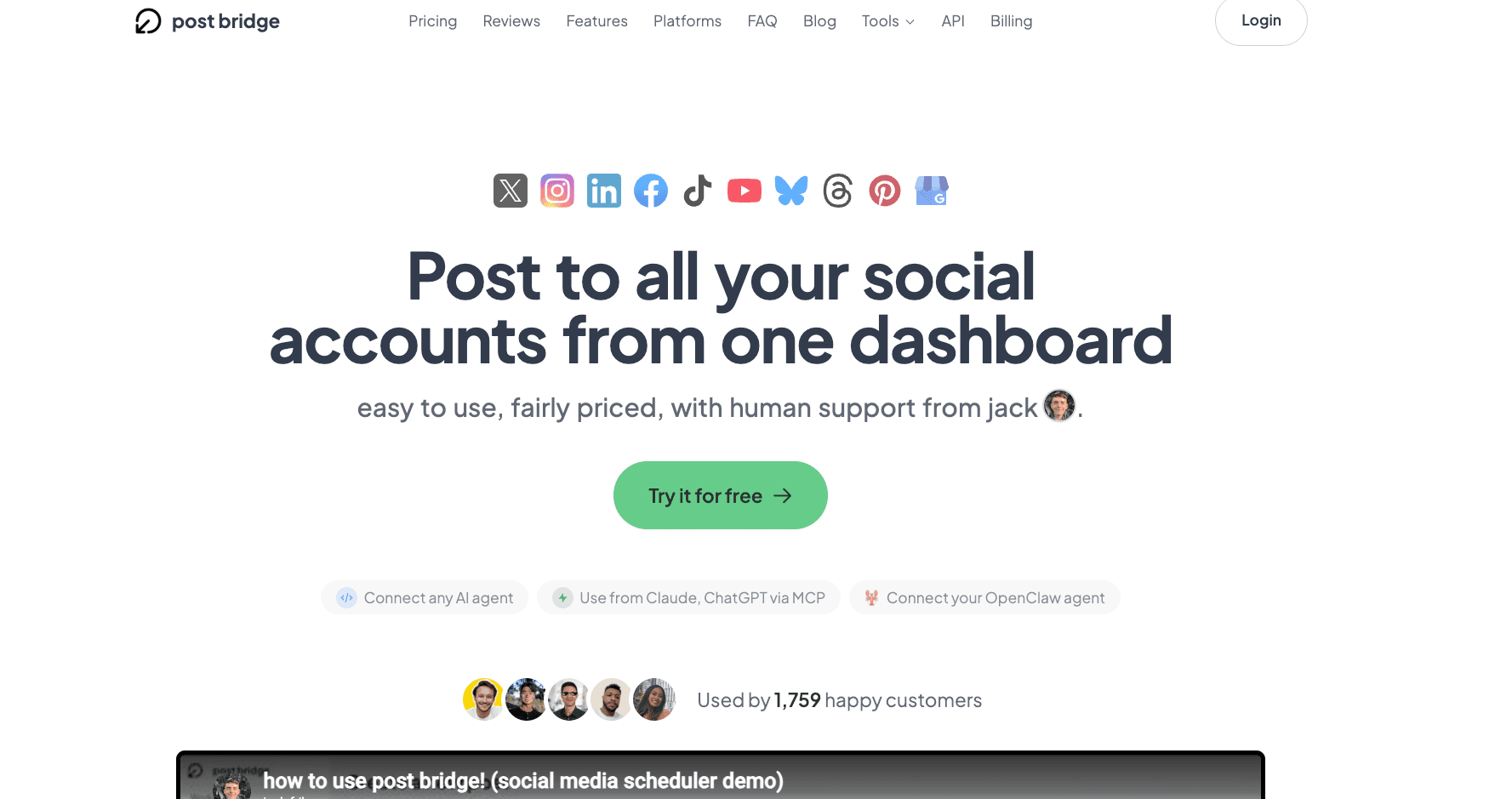
Post Bridge is a low-cost social media scheduler and cross-poster aimed at individual creators and small teams. You connect your accounts, write a post once, customize it per platform, and schedule or instantly publish across roughly ten networks — TikTok, Instagram, Facebook, X, LinkedIn, YouTube, Pinterest, Threads, and Bluesky — from one calendar. It supports multiple accounts per platform, bulk video scheduling, TikTok carousels with auto-added trending audio, and a template-based Content Studio. Crucially, it does not generate original captions, images, or videos; the only AI angle is an MCP integration that lets assistants like Claude drive the workflow. Pricing is flat and account-based: $29/mo Creator (up to 15 accounts) and $49/mo Pro.
What Post Bridge does well
- Flat, account-based pricing with no per-channel fees
- Broad network coverage, including Threads and Bluesky
- Multiple accounts per platform and bulk video scheduling
- A clean, genuinely easy-to-learn interface
Where Post Bridge falls short
- No AI or content creation — you write and supply everything yourself
- Analytics are basic and still in beta: no competitor tracking or custom reports
- Small indie team means slower, mostly email-only support
- No white-label or agency client portals, and fewer integrations than incumbents
A note on its pricing: Post Bridge advertises an annual discount, but the exact yearly figure is reported inconsistently across sources, and its free tier may be a 7-day trial rather than a permanent plan. Confirm both on the live pricing page before you commit.
The 7 best Post Bridge alternatives in 2026
We ranked these on value, what they actually do (create, schedule, or both), and fit for creators. Every price below was verified against the vendor's own pricing page in June 2026.
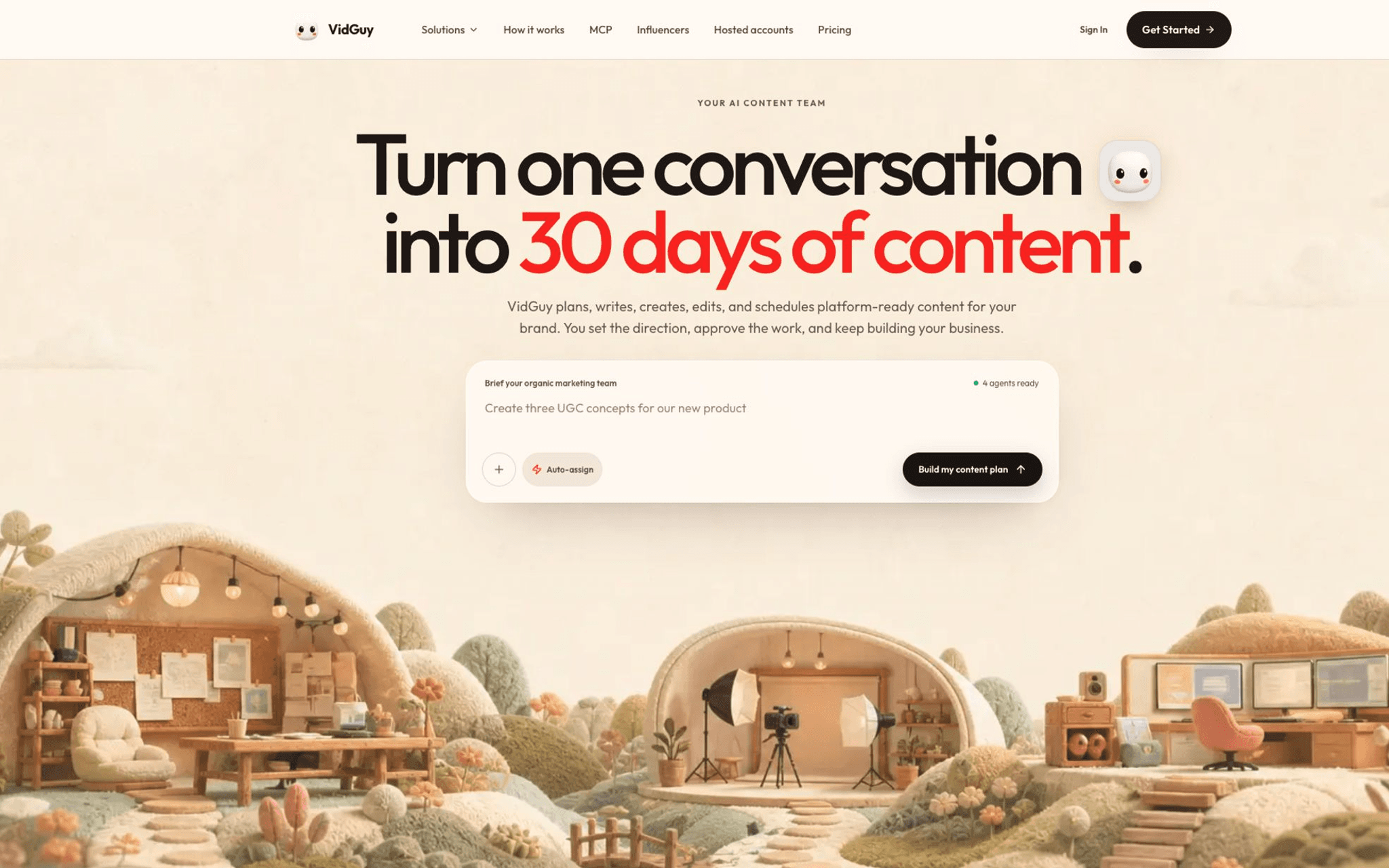
An AI content agent that writes, voices, and edits short-form videos — UGC, faceless, carousels, AI stories — then schedules and publishes them to TikTok, Reels, Shorts, YouTube, and LinkedIn. Post Bridge moves content between accounts; VidGuy is the tool that makes the content in the first place.
- Pricing
- Free (10 credits) · Starter $49/mo (about 10 videos) · Pro $99/mo (about 40 videos) · Enterprise $299/mo (about 100 videos). Credit packs from $10; 30% off annual.
- Yes — free plan, no card required
- Best for
- Creators and brands whose real bottleneck is producing enough good short-form video, not just scheduling it — who want one tool that creates and posts instead of a scheduler plus a separate production stack.
Strengths
- Generates the content schedulers can't: AI UGC actors, faceless videos, carousels, and AI stories, end to end
- Writes the script, voices it with ElevenLabs, edits the visuals, captions it, and exports per platform
- Schedules and publishes to TikTok, Reels, Shorts, YouTube, and LinkedIn, including managed accounts
- Newest models built in — Seedance 2.0, Nano Banana 2, Veo 3.1
- Video API and MCP server so Claude Code or Cursor can run the whole loop
- Free plan with no waitlist or card
Watch-outs
- Not a full social-management suite — no unified inbox or deep social listening like Sprout or Hootsuite
- Analytics are lighter than a dedicated scheduler's; pair it with one if reporting is your priority
- Credit-based, so heavy 4K or long-form renders cost more credits
- A newer brand than Buffer or Later
Why a content agent beats a bare scheduler
Post Bridge saves you the posting step. VidGuy saves you the step before it — the one that actually takes time.
From prompt to posted
A prompt becomes a scripted, voiced, captioned video, then goes out to your accounts — no separate editor, voice tool, or caption app in the loop.
A note on credits
VidGuy is credit-based, so a light month is cheap and a heavy one scales predictably. See the breakdown on the VidGuy pricing page.
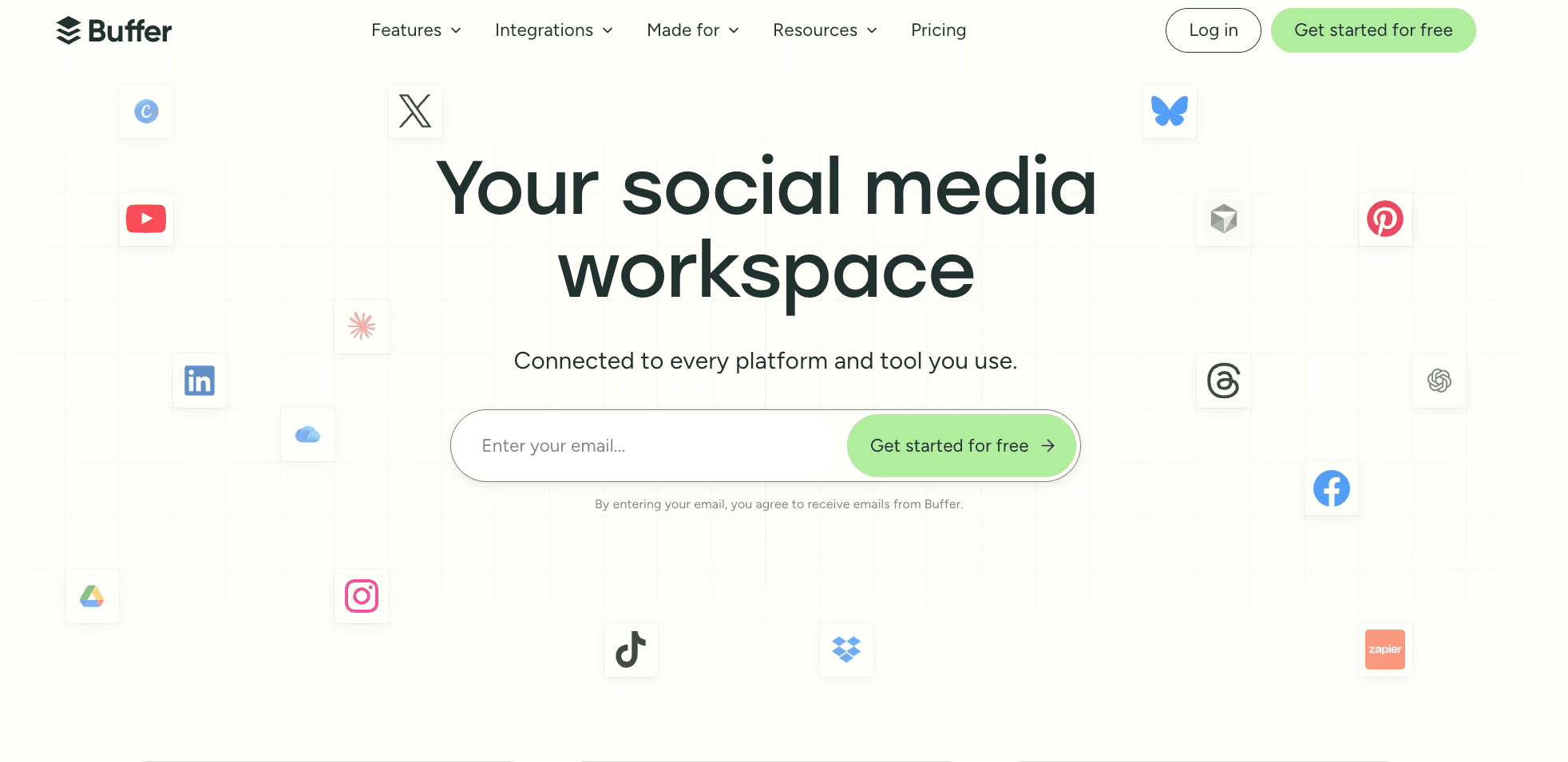
The polished, beginner-friendly scheduler Post Bridge is often compared to: a clean queue, 11 networks, a free plan, and a text-only AI Assistant — billed per connected channel rather than per account.
- Pricing
- Free (3 channels, 10 posts each); Essentials $6/channel/mo ($5/channel billed annually); Team $12/channel/mo ($10 annual).
- Yes — free plan (3 channels)
- Best for
- Solo creators and small teams who want the most refined, reliable simple scheduler and only manage a handful of channels.
Strengths
- Cleanest, most reliable UX in the budget tier, with strong mobile apps
- 11 networks including X, Bluesky, Mastodon, and Google Business
- Free plan and a text AI Assistant for caption drafting
Watch-outs
- Per-channel pricing adds up fast once you run 10+ accounts
- Shallow analytics: no competitor benchmarking or audience demographics
- Makes no content — AI is text-only, no images or video
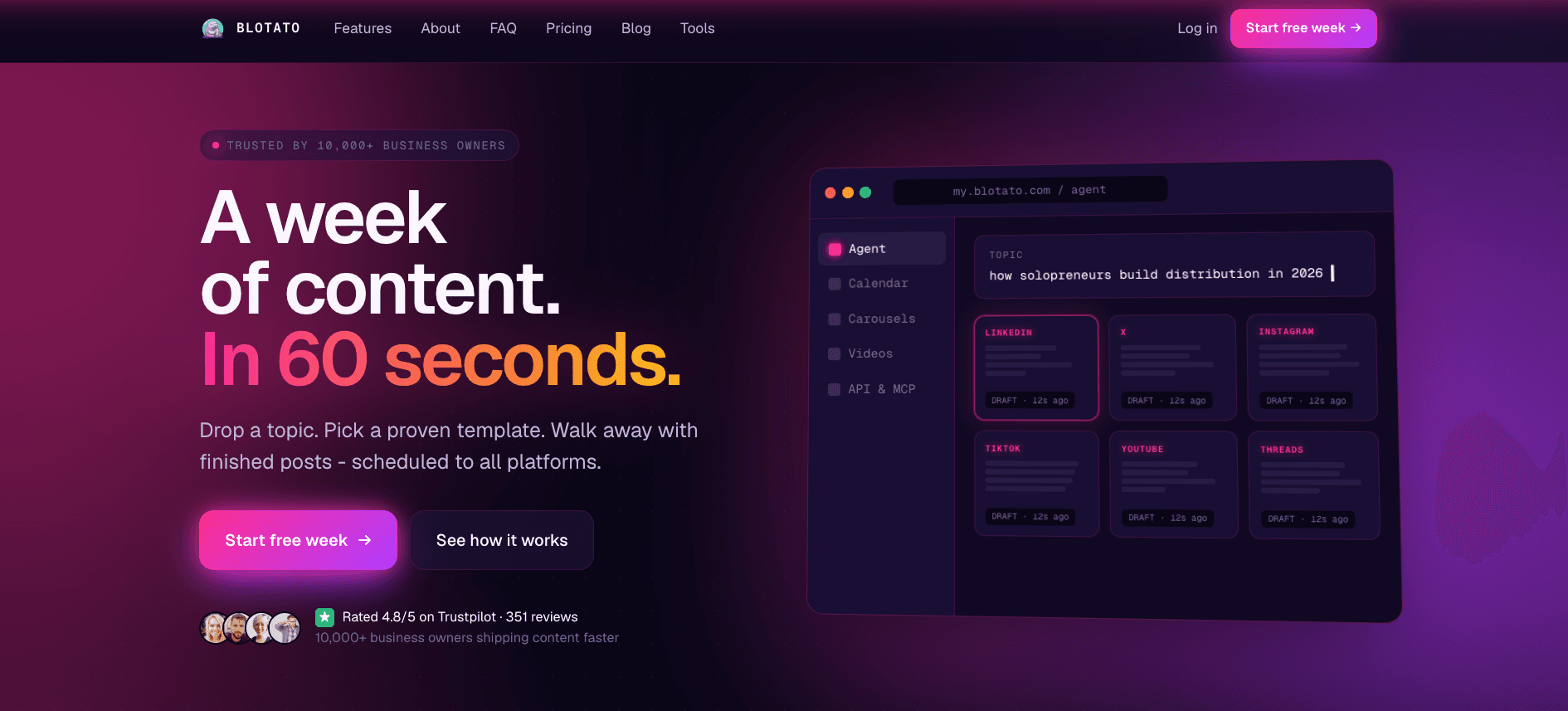
AI content-automation platform that turns one topic, article, or video into platform-tailored posts and auto-publishes them across 9+ networks from one dashboard or via API, n8n, Make, and MCP.
- Pricing
- Starter $29/mo (about $24/mo annual); 7-day free trial on every plan; connect 20+ accounts with no per-post or seat fees.
- 7-day free trial
- Best for
- Automation-first creators and faceless-content operators who want hands-off multi-account posting wired into their own workflows.
Strengths
- Automation-native: REST API plus official n8n, Make, and MCP integrations
- Publishes natively to 9+ platforms with no per-post or seat fees
- Bundles AI writing, image, and voiceover via a credit pool
Watch-outs
- Most value is locked behind API and automation setup
- Thin team-collaboration and approval features
- AI image and voice credits burn quickly on Starter
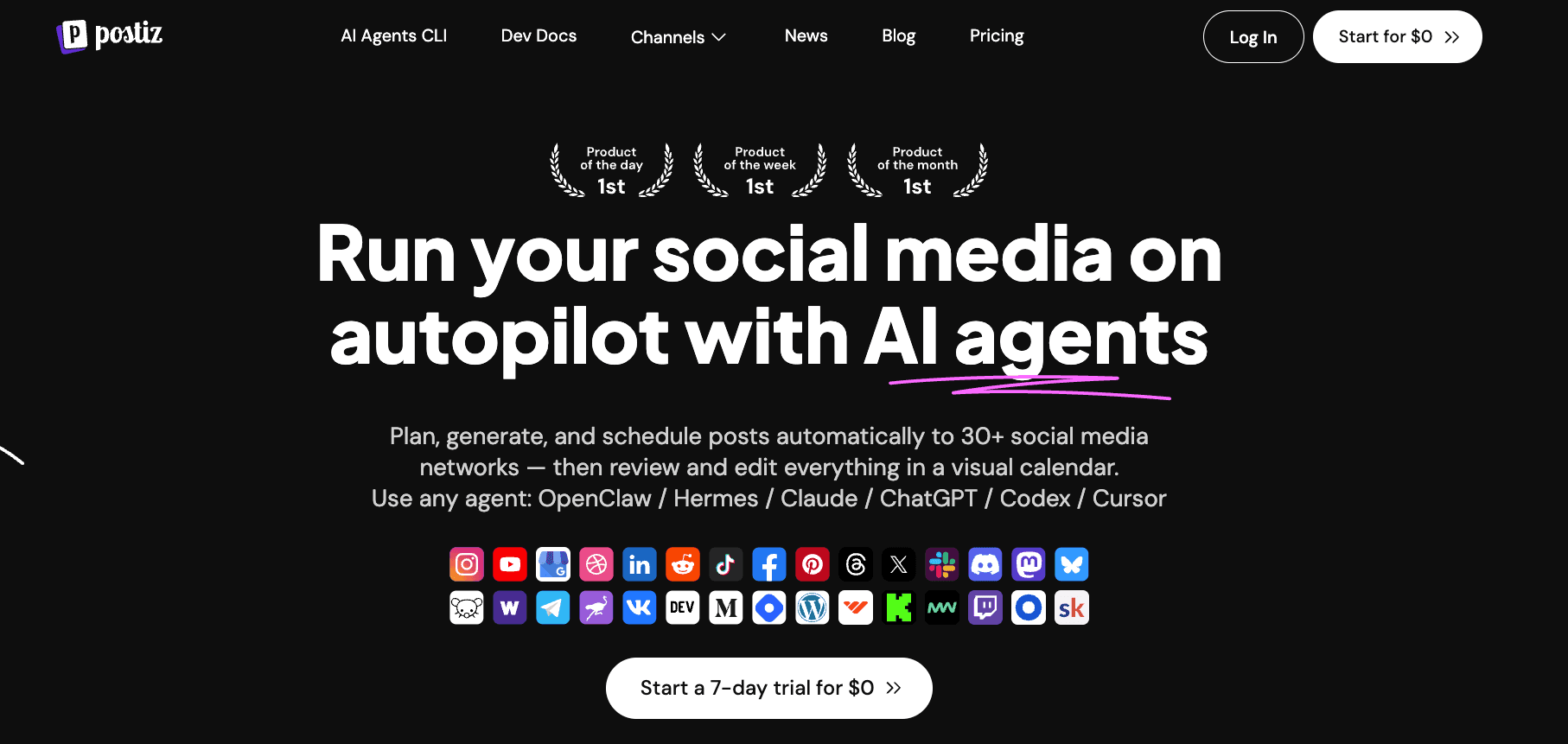
Open-source, AI-agent-driven social scheduler that plans and cross-posts across 30+ networks from one dashboard — paid cloud SaaS or self-hosted for free, with a developer-first API and MCP server.
- Pricing
- Standard $29/mo (5 channels, 400 posts; about $23/mo annual); 7-day cloud trial; self-hosted version is free.
- Free self-hosted; 7-day cloud trial
- Best for
- Technical creators and agencies who value open-source, self-hosting, and prompt-driven posting over a plug-and-play UI.
Strengths
- Fully open-source and self-hostable via Docker for $0
- Public API, webhooks, and an MCP server for agentic posting
- 30+ networks including Bluesky, Mastodon, Reddit, and Threads
Watch-outs
- Self-hosting needs Docker and technical skill
- Support is community and email only
- No permanent free cloud tier
An analytics-led scheduler that prices by number of brands rather than per channel, bundling scheduling, deep reporting, competitor tracking, and even Facebook, Google, and TikTok ad management in one dashboard.
- Pricing
- Free (1 brand, 20 posts/mo); Starter from $20/mo annual (up to 5 brands; about $25/mo monthly); Advanced from $53/mo annual (15 brands).
- Yes — free plan (1 brand)
- Best for
- Freelancers and agencies juggling several client brands who want analytics and ad reporting alongside scheduling, with a genuine free plan.
Strengths
- Per-brand pricing scales better for agencies than per-channel models
- Strong analytics, competitor tracking, and white-label reports
- Manages paid-ad campaigns next to organic posts
Watch-outs
- Creates no content; assets come from Canva or your own files
- X/Twitter is a paid add-on (about $5 per connected account)
- Advertised prices are annual; monthly billing runs roughly 25% higher
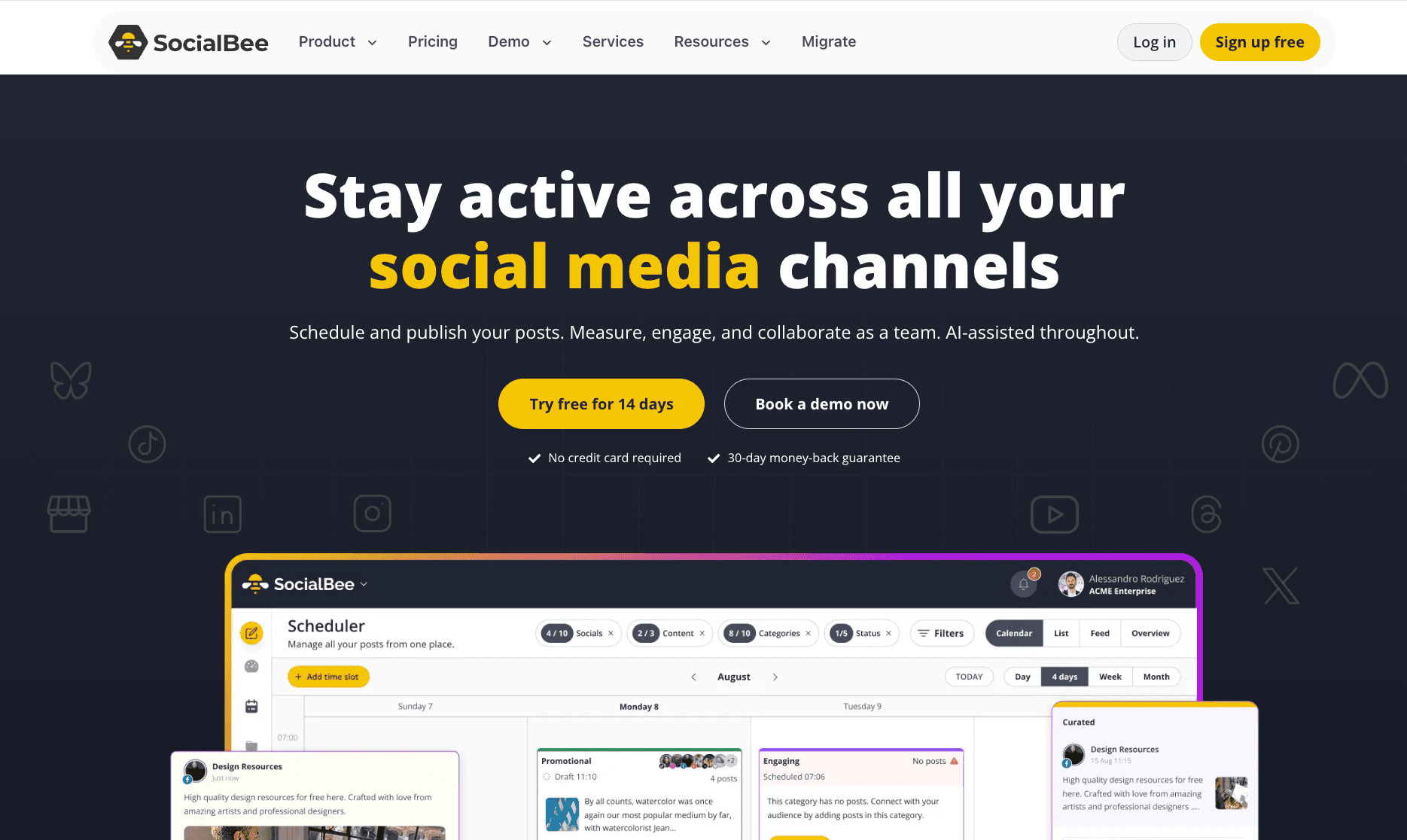
A category-based scheduler built around evergreen recycling: bucket posts by theme and SocialBee re-queues them automatically, with AI caption and image help layered on top across 10 networks.
- Pricing
- Bootstrap $29/mo (5 profiles; about $24/mo annual); Accelerate $49/mo (10 profiles); Pro $99/mo (25 profiles). 14-day free trial.
- 14-day free trial
- Best for
- Solopreneurs and small businesses who post evergreen content on a recurring cadence and want AI captions without managing a manual queue.
Strengths
- Category queues auto-recycle evergreen posts so the calendar never empties
- AI Post Generator drafts captions, variations, and still images
- Workspaces, approvals, and roles scale up to agency tiers
Watch-outs
- No video creation — AI generation is text and still images only
- Feature-dense dashboard has a real learning curve
- Per-profile caps push upgrades as you add accounts

A visual-first planner built around an Instagram-style drag-and-drop calendar, grid preview, and Link in Bio — the go-to for creators who plan their feed by how it looks.
- Pricing
- Limited free plan; Starter $25/mo ($18.75 annual, 1 social set of 8 profiles); Growth $50/mo; Scale $110/mo.
- Yes — limited free plan
- Best for
- Instagram, TikTok, and Pinterest creators who want a visual content calendar and a Link in Bio page more than broad automation.
Strengths
- Best-in-class visual planning and Instagram grid preview
- Built-in Link in Bio landing page
- Clean media library with hashtag and UGC discovery
Watch-outs
- Dropped X/Twitter scheduling in 2025 and has no Bluesky
- Per-social-set and per-user add-ons make costs creep
- Heavy billing and auto-renewal complaints (Trustpilot 1.3/5)
Match a tool to your priority
No tool wins everything. Tap what matters most — VidGuy is not the pick for the rock-bottom price or for deep agency analytics.
What matters most for your videos?
Tap a priority and we will point you to the tool that wins for it.
VidGuy— our pick
VidGuy writes, voices, edits, and captions the actual videos — UGC, faceless, carousels — then schedules them. Every other tool here assumes you already made the post.
Post Bridge alternatives compared, side by side
Starting price, whether there is a free way in, whether the tool makes content, and how it approaches posting.
| Tool | Starting price | Free option | Creates content | Approach |
|---|---|---|---|---|
| VidGuyPick | From $0; $49/mo | Free plan | Yes — full video pipeline | Create plus schedule and publish |
| Post Bridge | $29/mo | Limited / trial | No (you upload) | Account-based cross-posting, ~10 networks |
| Buffer | $6/channel/mo | Free plan | No (text AI only) | Simple per-channel scheduler, 11 networks |
| Blotato | $29/mo | 7-day trial | Light AI | Automation-native multi-account posting |
| Postiz | $29/mo; self-host free | Trial / self-host | Some AI | Open-source multi-account scheduler |
| Metricool | From $20/mo | Free plan | No (analytics-led) | Per-brand scheduling, analytics, and ads |
| SocialBee | $29/mo | 14-day trial | AI text + images | Category-based evergreen recycling |
| Later | $25/mo | Free plan | No (visual planner) | Visual Instagram-first planning + Link in Bio |
Prices are list rates verified in June 2026. Always confirm on the vendor site, especially for per-channel, per-brand, and annual plans.
Why VidGuy is the strongest Post Bridge alternative
Every other tool here starts after the hard part is done. VidGuy starts before it: a prompt becomes a finished, on-brand short — UGC, faceless, or carousel — with script, voiceover, and captions, then gets scheduled and published. You replace a scheduler plus a production stack with one agent.
- Creates AI UGC, faceless videos, carousels, and AI stories — not just scheduling
- Schedules and publishes to TikTok, Reels, Shorts, YouTube, and LinkedIn
- Free plan and no waitlist, with paid plans from $49/mo
- Video API and MCP server so agents can run the whole loop for you
See VidGuy for your use case, wire up agents through the VidGuy MCP server, or start with the free AI video tools. The VidGuy blog goes deeper on faceless content and posting at scale.
How to choose the right Post Bridge alternative
Start with your real bottleneck
If you already have a steady stream of content and just need it posted cheaply, a pure scheduler like Buffer, or Post Bridge itself, is the right call. If you keep running out of things to post, the scheduler is not your problem — production is, and a create-and-publish agent like VidGuy removes a whole tool from your stack.
Then weigh the practical details
Once you know whether you need creation, three things separate the rest:
Pricing model
Per-channel (Buffer), per-brand (Metricool), per-profile (SocialBee), and account-based flat (Post Bridge) all scale differently. Map it to how many accounts you actually run.
Network coverage
Confirm the tool supports every network you post to. Later dropped X; some tools charge extra for it. Post Bridge's breadth, including Bluesky and Threads, is one of its real strengths.
Analytics and support depth
If reporting and responsive support matter, Metricool and the incumbents lead; budget indie tools trade those away for price.
Frequently asked questions
What is the best Post Bridge alternative in 2026?
It depends on what you are missing. If your real problem is making enough short-form video, VidGuy is the best alternative because it actually creates the content — AI UGC, faceless videos, carousels, AI stories — and then schedules and publishes it, starting free. If you just want a more polished pure scheduler, Buffer is the cleanest budget option, Metricool is the strongest for analytics across multiple brands, and SocialBee is best for evergreen recycling.
How much does Post Bridge cost?
Post Bridge's paid Creator plan is $29/mo (account-based, covering up to 15 connected accounts, not per channel), with a Pro plan at $49/mo for unlimited accounts. There is a 7-day free trial and a very limited free option of around 5 posts per month, though sources disagree on whether that free tier is permanent. Post Bridge advertises an annual discount, but the exact yearly figure is reported inconsistently, so confirm it on the live pricing page.
Does Post Bridge create content or just schedule it?
Post Bridge is a scheduler and cross-poster, not a content creator. Its Content Studio offers drag-and-drop video templates, but you write every caption and supply or assemble the media yourself — there is no AI that generates original videos, images, or captions. That is the core gap VidGuy fills: it produces the finished videos and then posts them.
Is there a free alternative to Post Bridge?
Yes. Buffer, Metricool, and Later all have permanent free plans (limited channels or posts), Postiz is free if you self-host, and VidGuy has a free plan with 10 credits and no card required so you can generate and schedule a video to try it. Most paid tools here also offer 7 to 14-day trials.
What does Post Bridge support that bigger tools sometimes miss?
Post Bridge punches above its price on network coverage and value: flat, account-based pricing with no per-channel fees, multiple accounts per platform, and newer networks like Threads and Bluesky. Its weak spots are content creation (none), analytics (basic and in beta), and support (small indie team, mostly email) — which is exactly where the alternatives on this list differentiate.
Stop scheduling empty calendars
Start free, generate on-brand shorts in minutes, and let VidGuy publish them for you — the create step and the post step in one tool.