


If you are comparing Later alternatives, it is usually for one of three reasons: Later dropped X and never added Bluesky, its per-social-set add-ons make the bill creep, or its billing and auto-renewal practices left a bad taste (Trustpilot sits at 1.3/5). This 2026 guide compares the eight best alternatives for scheduling short-form, with pricing verified against each vendor's own page, and an honest split between visual planners, broad schedulers, and the one tool that actually creates the video.
The short answer
VidGuy is our top pick because it makes the Reels and TikToks Later only schedules, then posts them, starting free. If you want Later's visual grid planning, Planoly is the closest match; if you need the X and Bluesky support Later dropped, Buffer covers the most networks; and Metricool is the best for analytics across brands.
Why creators look for Later alternatives
Later is excellent at one thing: visually planning an Instagram feed. The friction shows up around the edges. It dropped X/Twitter scheduling in 2025 and has no Bluesky, so its network list is narrower than rivals. Its pricing stacks per-social-set and per-user add-ons on top of the headline rate. And its support and billing are its weakest-rated areas, with frequent auto-renewal and refund complaints. None of that erases the strong visual planner. It just sends people looking for broader coverage or better value.
The numbers behind short-form planning
extra followers per week from posting 10+ times versus going silent
Buffer, 2026
social accounts the average brand manages at once; 17% run seven or more
SocialBee, 2026
of marketers say short-form video delivers the highest ROI of any format
HubSpot, 2025
global creator-economy market in 2026, on the way to $1T by 2033
Demandsage, 2026
of businesses use video as a marketing tool; 82% report good ROI
Wyzowl, 2026
saved per week by teams using a social scheduling tool
Sprinklr, 2025
Consistency drives growth and short-form video carries the highest ROI, so the constraint is rarely the calendar. It is having enough good video to fill it. Sources: Buffer 2026, HubSpot, and Wyzowl 2026.
What is Later?
Later is a visual-first social media management tool built around an Instagram-style content calendar. You plan, schedule, auto-publish, and analyze posts across eight networks from a drag-and-drop calendar with a grid preview, backed by a media library, best-time-to-post recommendations, hashtag and UGC discovery, and a Link in Bio landing page. It schedules assets you already have; its AI is limited to a small monthly caption-credit pool, not generation. Pricing runs from a limited free plan to Starter $25/mo, Growth $50/mo, and Scale $110/mo, with channels bundled into social sets of eight profiles.
What Later does well
- Best-in-class visual planning with an Instagram grid preview
- Built-in Link in Bio landing page for Instagram and TikTok
- Clean media library with hashtag and UGC discovery
- Genuinely easy to learn for solo creators
Where Later falls short
- Dropped X/Twitter in 2025 and has no Bluesky, so only eight networks
- Per-social-set and per-user add-ons make costs creep past the headline price
- Schedules assets only; no real content or video creation
- Weak support and heavy billing/auto-renewal complaints (Trustpilot 1.3/5)
The 8 best Later alternatives in 2026
We ranked these on value, networks, what they actually do (create, schedule, or both), and fit for creators. Every price below was verified against the vendor's own pricing page in June 2026.
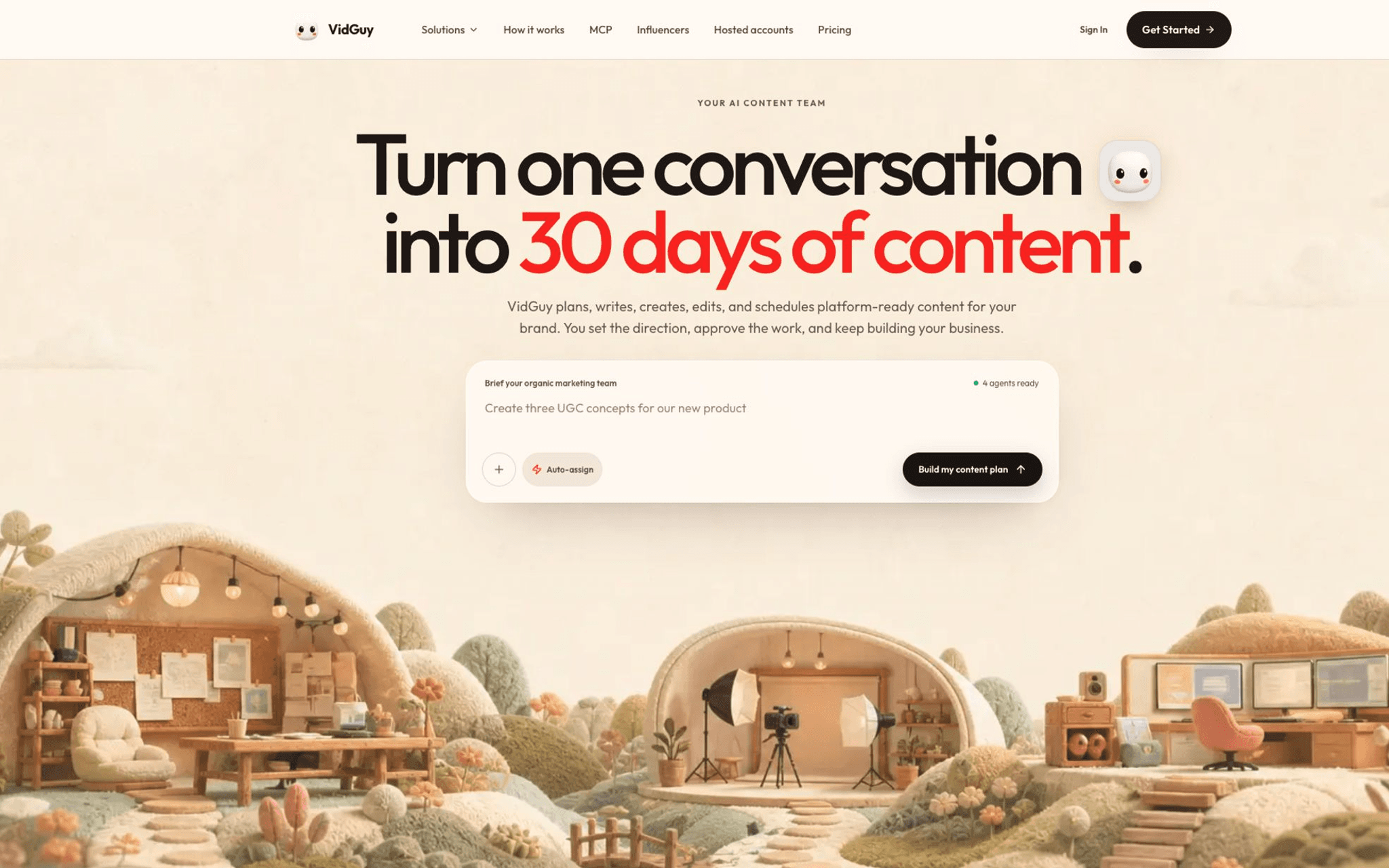
An AI content agent that creates short-form video (UGC, faceless, carousels, AI stories), then schedules and publishes it. Later plans the feed you already shot. VidGuy makes the Reels and TikToks that go in it.
- Pricing
- Free (10 credits) · Starter $49/mo (about 10 videos) · Pro $99/mo (about 40 videos) · Enterprise $299/mo (about 100 videos). Credit packs from $10; 30% off annual.
- Yes, free plan, no card required
- Best for
- Creators who plan beautifully in Later but keep running short on actual video to post, and want one tool that makes the clips and schedules them.
Strengths
- Generates the content Later only schedules: AI UGC actors, faceless videos, carousels, AI stories
- Full pipeline: script, ElevenLabs voiceover, visuals, captions, per-platform export
- Schedules and publishes to TikTok, Reels, Shorts, YouTube, and LinkedIn
- Newest models built in: Seedance 2.0, Nano Banana 2, Veo 3.1
- Video API and MCP server for Claude Code and Cursor
- Transparent credit-based billing, free plan, no card
Watch-outs
- Not a visual grid planner; no Instagram feed preview like Later
- No Link in Bio page; pair with one if that is core to you
- Analytics are lighter than a dedicated scheduler's
- A newer brand than Later
Plan the feed, or fill it
Later helps you arrange posts. VidGuy helps you have posts to arrange. That is the harder half of the job.
From idea to scheduled clip
A prompt becomes a scripted, voiced, captioned vertical video, then gets queued to TikTok, Reels, and Shorts.
A note on pairing
Love Later's grid? Keep it and let VidGuy feed it content. See plans on the VidGuy pricing page.
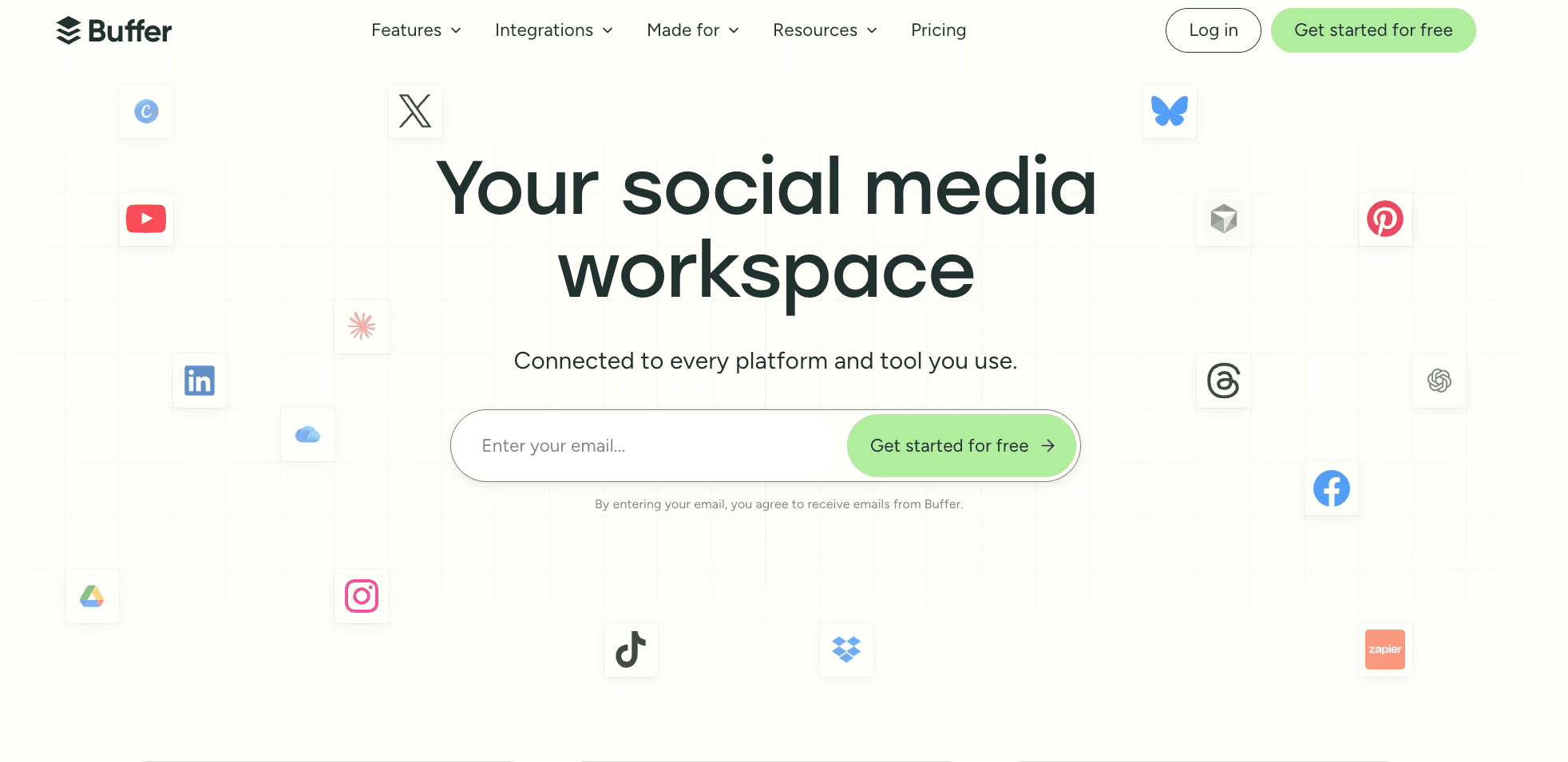
The broad, affordable scheduler Later refugees most often land on: 11 networks including the X and Bluesky support Later dropped, a clean queue, a free plan, and a Start Page bio link.
- Pricing
- Free (3 channels, 10 posts each); Essentials $6/channel/mo ($5/channel annual); Team $12/channel/mo ($10 annual).
- Yes, free plan (3 channels)
- Best for
- Creators who want Later-level simplicity but need X, Bluesky, and Mastodon, plus per-channel pricing.
Strengths
- 11 networks including X, Bluesky, and Mastodon
- Clean UI, strong mobile apps, and a Start Page bio link
- Real free plan and per-channel pricing
Watch-outs
- No visual grid planner like Later
- Per-channel pricing climbs with many accounts
- Makes no content; AI Assistant is text-only
The closest like-for-like alternative: a visual, Instagram-first planner with the same drag-and-drop grid preview, a Link in Bio, and Creator Store selling. It is often a bit cheaper than Later.
- Pricing
- Free (mobile app, 10 uploads/mo); Starter $16/mo ($14 annual); Growth $28/mo; Pro $47/mo. 14-day trial.
- Yes, limited free (mobile)
- Best for
- Instagram and Pinterest creators who specifically want the grid-preview workflow and light monetization, not broad automation.
Strengths
- Signature visual grid planner and feed preview
- Free Link in Bio with digital-product selling
- Often cheaper entry price than Later
Watch-outs
- Still Instagram-centric; weaker multi-platform automation
- Starter upload cap is consumed fast (Feed + Story + Reel each count)
- Reliability and support complaints; basic analytics
An analytics-led scheduler priced by brand, bundling scheduling, deep reporting, competitor tracking, and Facebook, Google, and TikTok ad management. It has a real free plan and broad network support.
- Pricing
- Free (1 brand, 20 posts/mo); Starter from $20/mo annual (up to 5 brands; about $25/mo monthly); Advanced from $53/mo annual (15 brands).
- Yes, free plan (1 brand)
- Best for
- Creators and small agencies who want stronger analytics and broader networks than Later, across one or several brands.
Strengths
- Per-brand pricing and a real free plan
- Strong analytics, competitor tracking, and ad management
- Broad network coverage including X (as an add-on)
Watch-outs
- Creates no content; assets come from Canva or your files
- X/Twitter is a paid add-on (about $5 per connected account)
- Less polished visual planning than Later
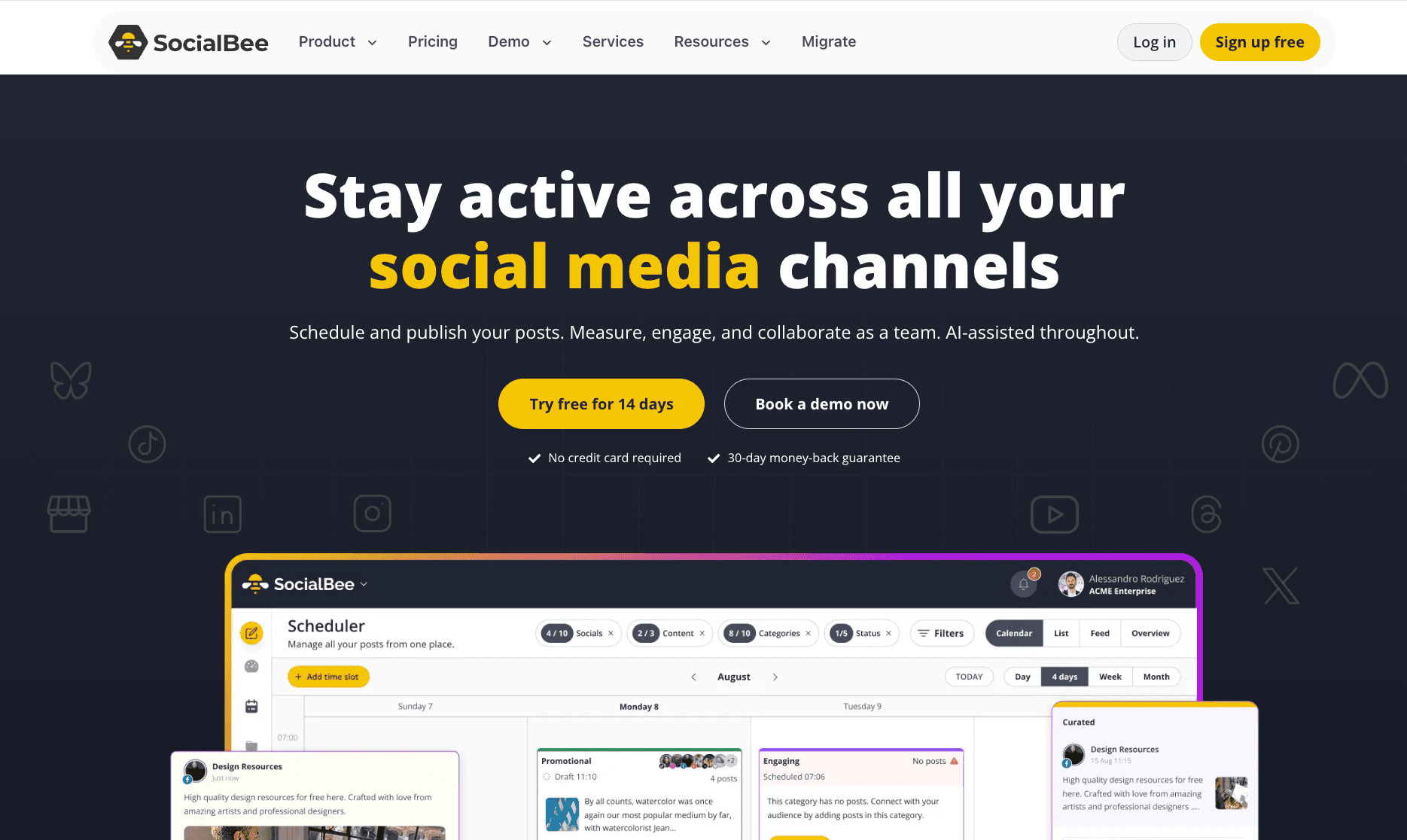
A category-based scheduler built around evergreen recycling, with AI caption and image help across 10 networks including X and Bluesky. It's a broader, more automated step up from Later.
- Pricing
- Bootstrap $29/mo (5 profiles; about $24/mo annual); Accelerate $49/mo (10 profiles); Pro $99/mo (25 profiles). 14-day free trial.
- 14-day free trial
- Best for
- Creators and small businesses who post evergreen content and want auto-recycling and AI captions, not just a visual calendar.
Strengths
- Category queues auto-recycle evergreen posts
- AI Post Generator drafts captions, variations, and still images
- 10 networks including X, Bluesky, and Threads
Watch-outs
- No video creation; AI is text and still images only
- No visual grid preview
- Feature-dense dashboard has a learning curve
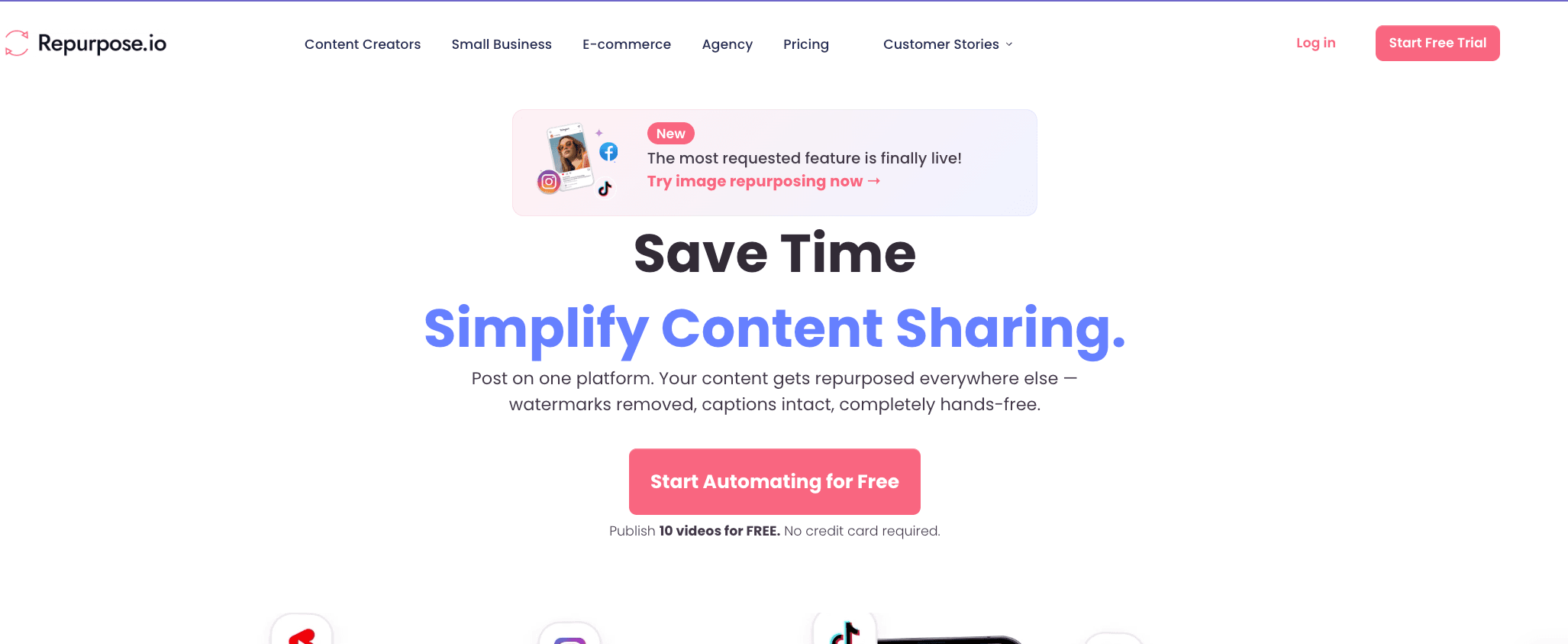
A set-and-forget automation tool that pulls your published video or audio and auto-reformats and redistributes it across 13+ networks via trigger-based workflows. It's a different way to keep feeds full.
- Pricing
- Starter $35/mo (or $349/year, about $29/mo); 14-day free trial, publish 10 videos free with no card.
- 14-day trial, 10 free videos
- Best for
- Creators and podcasters who already produce content and want hands-off, rules-based redistribution instead of manual visual planning.
Strengths
- Trigger-based workflows: post once, auto-repost forever
- Distributes to 13+ platforms, resizing automatically
- Scales to multiple accounts per network for agencies
Watch-outs
- Pure distribution: no content creation or visual planning
- Cannot trim or edit; content goes out largely as-is
- Best only once you already have a content pipeline
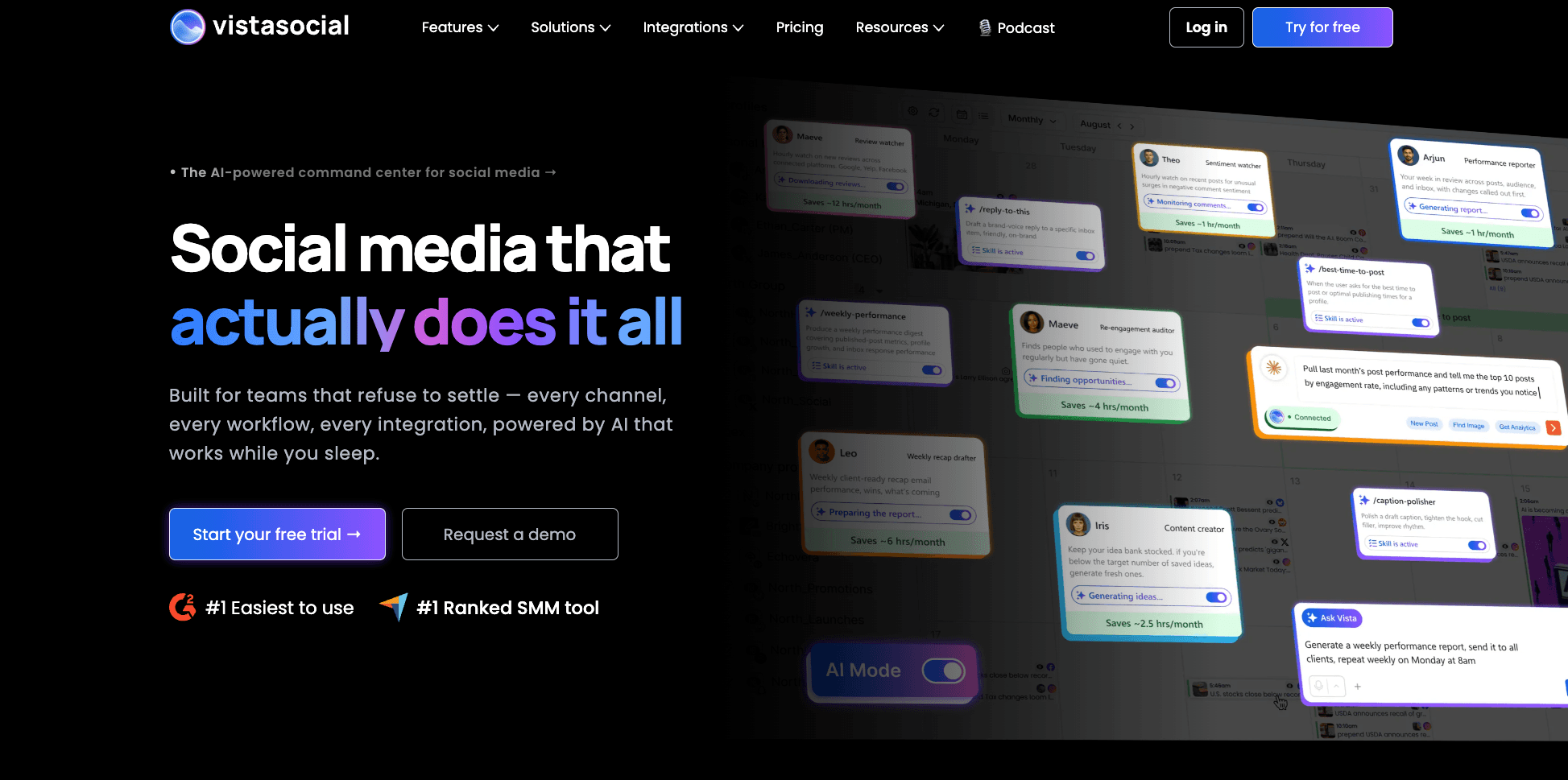
An all-in-one platform priced by profile, with publishing, analytics, inbox, listening, review management, a Vista Page link-in-bio, and now native AI image and video generation in the composer.
- Pricing
- Professional $79/mo (15 profiles, 3 users, 2,500 AI credits); Advanced $149/mo (30 profiles); Scale $349/mo. X is a $29/mo add-on. 14-day trial.
- 14-day free trial
- Best for
- Creators and agencies who want broader features than Later plus some native content creation, without per-seat pricing.
Strengths
- Native AI image and AI video generation built in
- Strong unified inbox, listening, and review management
- Vista Page link-in-bio plus profile-based pricing
Watch-outs
- AI video is credit-metered and lighter than a dedicated video tool
- X/Twitter and broader listening are paid add-ons
- Pricier entry than Later for a single creator
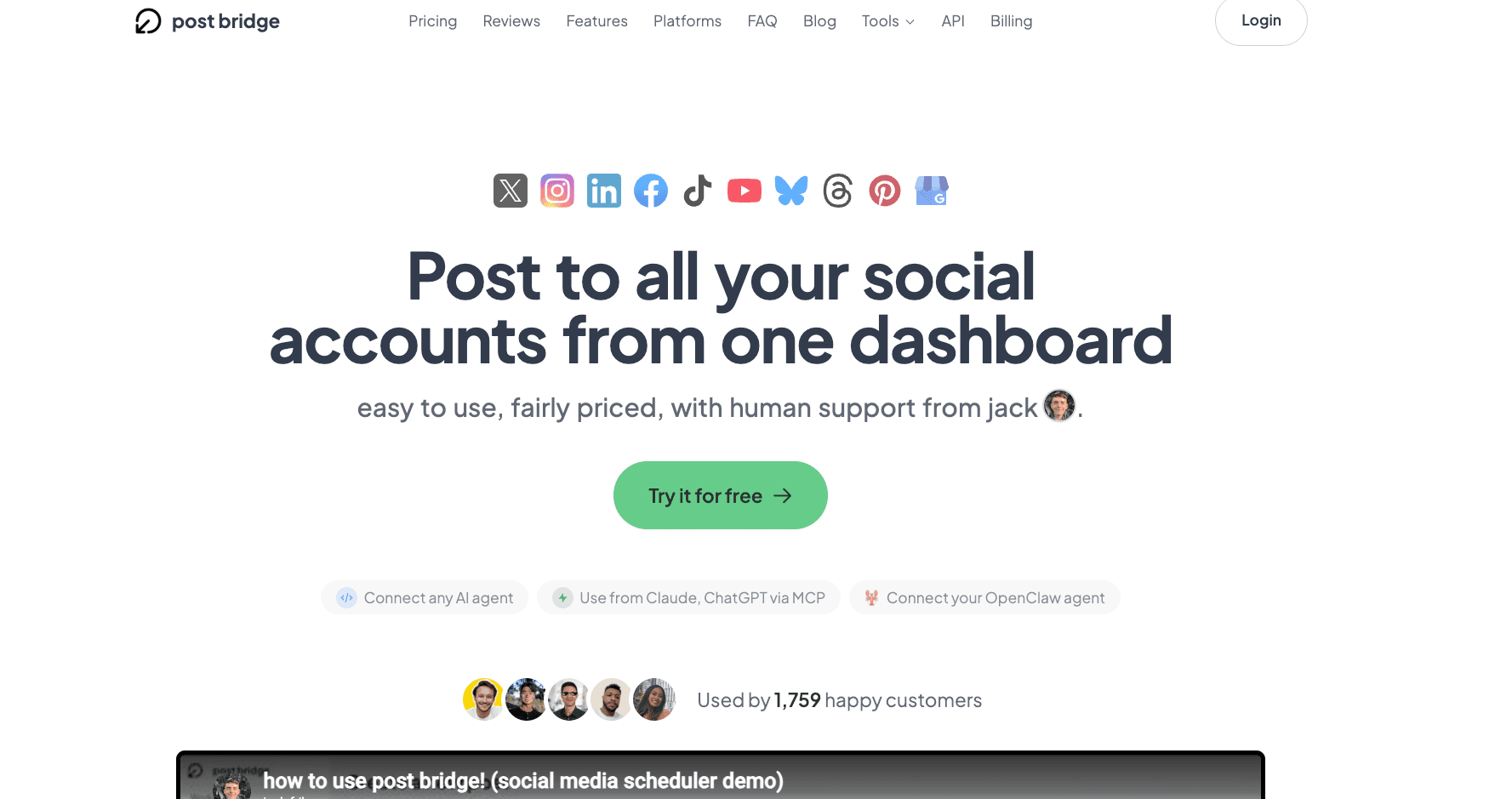
A low-cost, account-based cross-poster covering ~10 networks including the X and Bluesky Later lacks, with flat pricing and no per-channel fees. It's a budget pick for creators who just want to post everywhere.
- Pricing
- Limited free / 7-day trial; Creator $29/mo (up to 15 accounts); Pro $49/mo (unlimited accounts).
- Limited free / 7-day trial
- Best for
- Budget-conscious creators who want the widest network coverage at a flat price and do not need visual planning or analytics.
Strengths
- Flat, account-based pricing with no per-channel fees
- Covers X, Bluesky, and Threads, which Later does not
- Simple, easy-to-learn interface
Watch-outs
- No content creation and no visual grid planner
- Analytics are basic and still in beta
- Small indie team, mostly email-only support
Match a tool to your priority
No tool wins everything. Tap what matters most. VidGuy is not the pick for visual grid planning or a built-in Link in Bio.
What matters most for your videos?
Tap a priority and we will point you to the tool that wins for it.
VidGuy— our pick
VidGuy writes, voices, edits, and captions the actual short-form videos, then schedules them. Later and every visual planner here assume you already shot the content.
Later alternatives compared, side by side
Starting price, whether there is a free way in, whether the tool makes content, and how it approaches posting.
| Tool | Starting price | Free option | Creates content | Approach |
|---|---|---|---|---|
| VidGuyPick | From $0; $49/mo | Free plan | Yes, full video pipeline | Create plus schedule and publish |
| Later | $25/mo | Free plan | No (visual planner) | Visual Instagram-first planning + Link in Bio |
| Buffer | $6/channel/mo | Free plan | No (text AI only) | Simple per-channel scheduler, 11 networks |
| Planoly | $16/mo | Free (mobile) | No (visual planner) | Visual Instagram grid planner + Link in Bio |
| Metricool | From $20/mo | Free plan | No (analytics-led) | Per-brand scheduling, analytics, and ads |
| SocialBee | $29/mo | 14-day trial | AI text + images | Category-based evergreen recycling |
| Repurpose.io | $35/mo | 14-day trial | No | Trigger-based redistribution to 13+ networks |
| Vista Social | $79/mo | 14-day trial | AI image + video | Per-profile all-in-one with native AI |
Prices are list rates verified in June 2026. Always confirm on the vendor site, especially for per-social-set and add-on plans.
Why VidGuy is the strongest Later alternative
Later helps you arrange a feed. VidGuy helps you have one worth arranging: a prompt becomes a finished, on-brand short (UGC, faceless, or carousel) with script, voiceover, and captions, then gets scheduled and published. If your real shortage is video rather than planning, that is the difference that matters.
- Makes the content for you: AI UGC, faceless videos, carousels, and AI stories
- Schedules and publishes to TikTok, Reels, Shorts, YouTube, and LinkedIn
- Free plan and no waitlist, with paid plans from $49/mo
- Video API and MCP server so agents can run the whole loop for you
See VidGuy for your use case, wire up agents through the VidGuy MCP server, or start with the free AI video tools. The VidGuy blog covers Reels, UGC, and content planning.
How to choose the right Later alternative
Decide what you are really replacing
If you love the visual grid and just want a like-for-like, Planoly is the closest. If you left over missing networks, prioritize coverage with Buffer or Post Bridge. If the planning was never the problem and you keep running short on video, a create-and-publish agent like VidGuy is a different category of fix.
Then check the details that bite later
The headline price and the platform logos hide a few traps:
Network coverage and add-ons
Confirm every network you post to is included, not an upsell. Later lacks X and Bluesky; Metricool and Vista Social charge extra for X.
Posting caps and social-set math
Later caps Starter at 30 posts per profile and bundles channels into sets of eight. Map the caps to how often you actually post.
Billing and cancellation terms
Later's auto-renewal and refund policy draws frequent complaints. Read the cancellation terms before you commit annually anywhere.
Frequently asked questions
What is the best Later alternative in 2026?
It depends on what pushed you off Later. If you keep running out of video to post, VidGuy is the best alternative because it creates the Reels, TikToks, and carousels and then schedules them, starting free. If you want the same visual grid planning, Planoly is the closest match. If you need the X and Bluesky support Later dropped, Buffer covers the most networks, and Metricool is the strongest for analytics across brands.
Why did Later remove X (Twitter), and which alternatives still support it?
Later removed X/Twitter scheduling in mid-2025 and does not support Bluesky, narrowing its network list to eight. If X matters, Buffer (11 networks), SocialBee, Metricool (X as an add-on), Post Bridge, and Vista Social (X as a $29/mo add-on) all still publish to it. This is one of the most common reasons creators switch away from Later.
How much does Later cost?
Later's Starter plan is $25/mo billed monthly ($18.75/mo billed annually, a 25% discount) for one social set of eight profiles and one user, with a 30-posts-per-profile cap. Growth is $50/mo and Scale is $110/mo, plus per-social-set and per-user add-ons. There is a limited free plan, but Later now leads with a 14-day trial. Note that Later carries heavy billing and auto-renewal complaints (Trustpilot 1.3/5), so review the cancellation terms.
Is there a free alternative to Later?
Yes. Buffer, Metricool, and Planoly (mobile) all have permanent free plans, and VidGuy has a free plan with 10 credits and no card so you can generate and schedule a video to try it. Most paid tools here also offer 14-day trials.
Does Later create content?
No. Later schedules and visually plans content you already have. Its AI is a small monthly caption-credit pool, not generation, and it does not produce video or images. Among the alternatives, VidGuy creates full short-form videos end to end, and Vista Social now offers native AI image and video generation, while the rest are scheduling-focused.
Fill the feed you plan so carefully
Start free, generate on-brand Reels and TikToks in minutes, and let VidGuy schedule and publish them for you.