How to create faceless YouTube videos with AI in 2026
A practical guide to building a faceless YouTube channel with AI — script, voiceover, visuals, and exports — without spending hours editing.

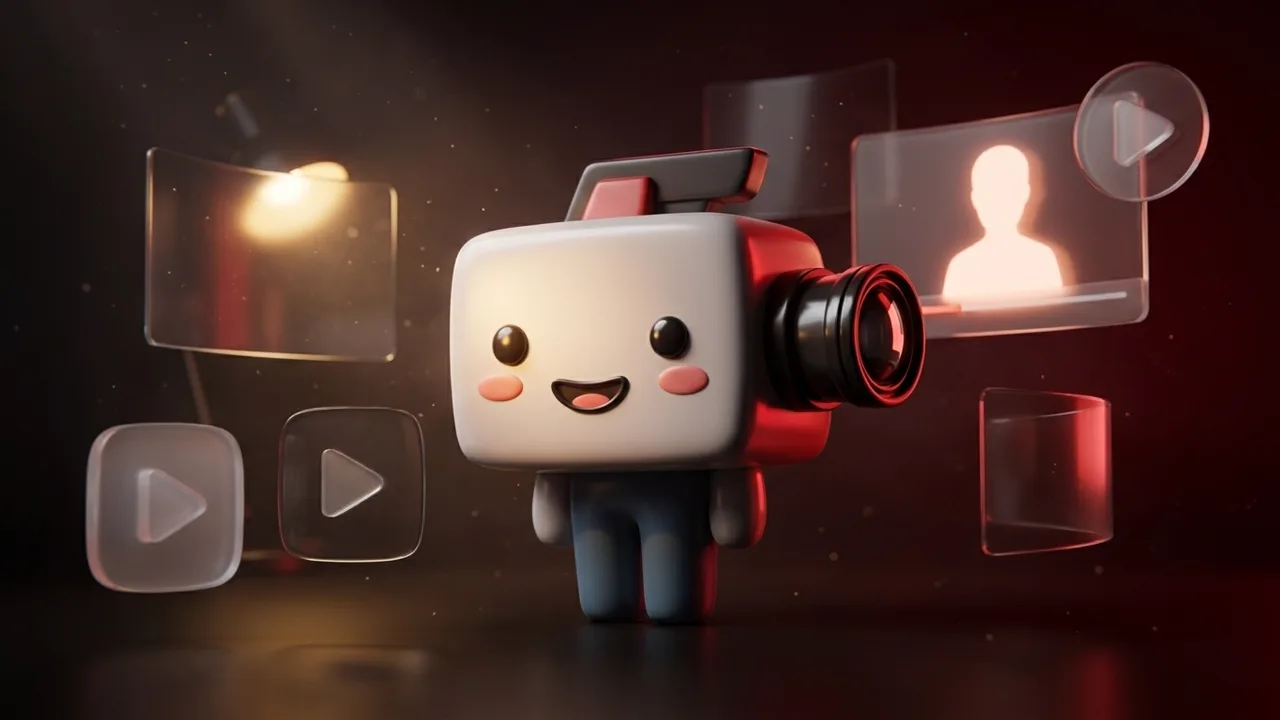
Faceless YouTube channels — narrated content where the creator never appears on camera — became a serious side-business strategy in 2024 and a real industry by 2026. The bottleneck used to be production: even a 60-second clip needed a script, a voiceover, b-roll, captions, and a final edit. AI changed that. Here's how to set one up end-to-end without spending a weekend on each upload.
Pick a niche before you pick a tool
The number-one reason faceless channels stall is broad niches. "Productivity tips" doesn't rank. "Notion templates for medical residents" does. Three filters that work:
- Search demand: someone is typing this into YouTube every day.
- Low video saturation: under ~500 results for the exact phrase.
- Clear monetization angle: affiliate, SaaS sponsorship, or your own product.
The niche choice locks in your voice, b-roll style, and CTAs for months — get this right before generating a single video.
The four assets every faceless video needs
- Script — usually 130–160 words per 60 seconds at a natural pace.
- Voiceover — synthetic voices are now indistinguishable from a mid-tier human VO in short form. Pick one consistent voice across all uploads.
- Visuals — stock b-roll, AI-generated imagery, or a mix. Mixed performs best.
- Captions — non-negotiable. 80% of mobile YouTube watch time happens with sound off or low.
Where AI saves you time (and where it doesn't)
AI is a force-multiplier on the first three. It's not great at the final step — picking the right shot for each line, fixing pacing, catching a robotic phrasing. Plan to spend 5–10 minutes editing what an AI agent produced. That's still 1–2 hours less than from scratch.
Doing this with VidGuy
VidGuy automates the production pipeline:
- Drop a brief (topic, audience, duration)
- VidGuy generates the script, narrates it, sources visuals, and assembles the cut
- Export 9:16 for Shorts, 16:9 for the main channel, captions burned-in or as a sidecar SRT
You can iterate on the brief, swap shots, or rewrite the hook — but the default path takes you from idea to a publishable cut in under 5 minutes. See the API docs if you want to wire this into a Make.com or n8n flow.
The publishing cadence that actually works
Three uploads per week beats one perfectly polished video. The YouTube algorithm rewards consistency more than craft for new channels — once you cross 1,000 subscribers, then invest in production value.
What to measure
Don't fixate on subscribers in month one. The leading indicators that matter:
- Click-through rate on thumbnails (target: 4%+)
- Average view duration (target: 50%+ of the video length)
- Retention curve in the first 30 seconds
If those three are healthy, growth is mechanical. If they're not, no amount of upload frequency fixes it.
Want to try this end-to-end? Generate your first video free — no credit card needed.
VidGuy vs Premiere Pro: Brief-to-Post vs Timeline
VidGuy vs Premiere Pro: the industry-standard timeline vs brief-to-published marketing video. The real cost math includes the editor who operates the software.
VidGuy vs DaVinci Resolve: Two Different Jobs
VidGuy vs DaVinci Resolve: a professional editing suite and an AI marketing video agent solve different problems. When the free NLE wins, and when you need neither footage nor editor.